Getting Started with ArchiCAD and Pointclouds

Introduction

Point cloud files have become increasingly prevalent in architecture design and coordination due to their ability to capture precise, high-density 3D data of existing environments.

By integrating point clouds into BIM workflows, professionals can more effectively manage renovation projects, site surveys, and other processes which are dependant on accurate measurements.

That being said, it is common for Architectural design programs to be far less optimised for the handling of point cloud files, leading to frustrating workflows for Architects to utilise the benefits of point clouds.

Below are some recommendations for how to best handle Pointclouds for ArchiCAD.

Specify the Scope

Point cloud file formats vary in terms of data structure and complexity with different software platforms. It is critical to set the scope and expectations clearly when initially engaging your surveyor ensuring that all parties are aligned and minimising risks of compatibility issues or potential reworks.

We strongly suggest communicating the below factors.

Extent
Defining the areas to be scanned helps avoid unnecessary data collection, reduces processing time, and ensures that only relevant information is captured. This also ensures that the surveyor is aware of the scan’s intended purpose. This could include:

  • Typical survey Including site boundary and visible neighbouring properties.

  • Targeted survey limited to specific areas i.e. heritage facades, critical vegetation.

Format
Pointcloud files come in a number of varying formats (such as LAZ, E57, PLY, XYZ, PTX) which serve their own individual purposes. ArchiCAD is best designed to handle E57 and XYZ formats offering their own integrated workflows. It is best to communicate this format preference to the surveyor so that your expectations are aligned.

That being said, ArchiCAD is generally not suited to processing point cloud files and will struggle with files larger than 100mb (3 million points). To ensure a smooth working experience, we recommend limiting the file to 50mb (1.5 million points).

Further to this, point cloud files, whilst impressive in its level of detail, is generally impractical for architects, requiring a level of tracing/modelling to make use of the data. This comes with a level of risk which is best avoided. Like traditional building surveys, pointcloud files should only be supplementary to a set of CAD drawings with relevant annotations such as levels and dimensions.

Note > The maximum point cloud file size ArchiCAD allows to process is 4GB. 

Complexity
Pointcloud files and 3D scanning processes are able to capture substantial amounts of data. We found that more often than not, this resulted in an excessive number of points. This can lead to additional processing time required to trim unnecessary data from the file.

To avoid this as much as possible, it is best to communicate the need for various sampling rates to suit its intended use. This should be discussed prior to start of works.

Fine Detail
Detailed areas such as, complex facades, ornamental elements (filigree balustrades, detailed masonry etc) should be sampled at a higher rate to capture key details.We suggest a 10-50mm point spread.

This allows the surveyor some flexibility to adjust the spread to capture critical/complex geometries as necessary. Generally, a 50mm point spread is appropriate for most applications.

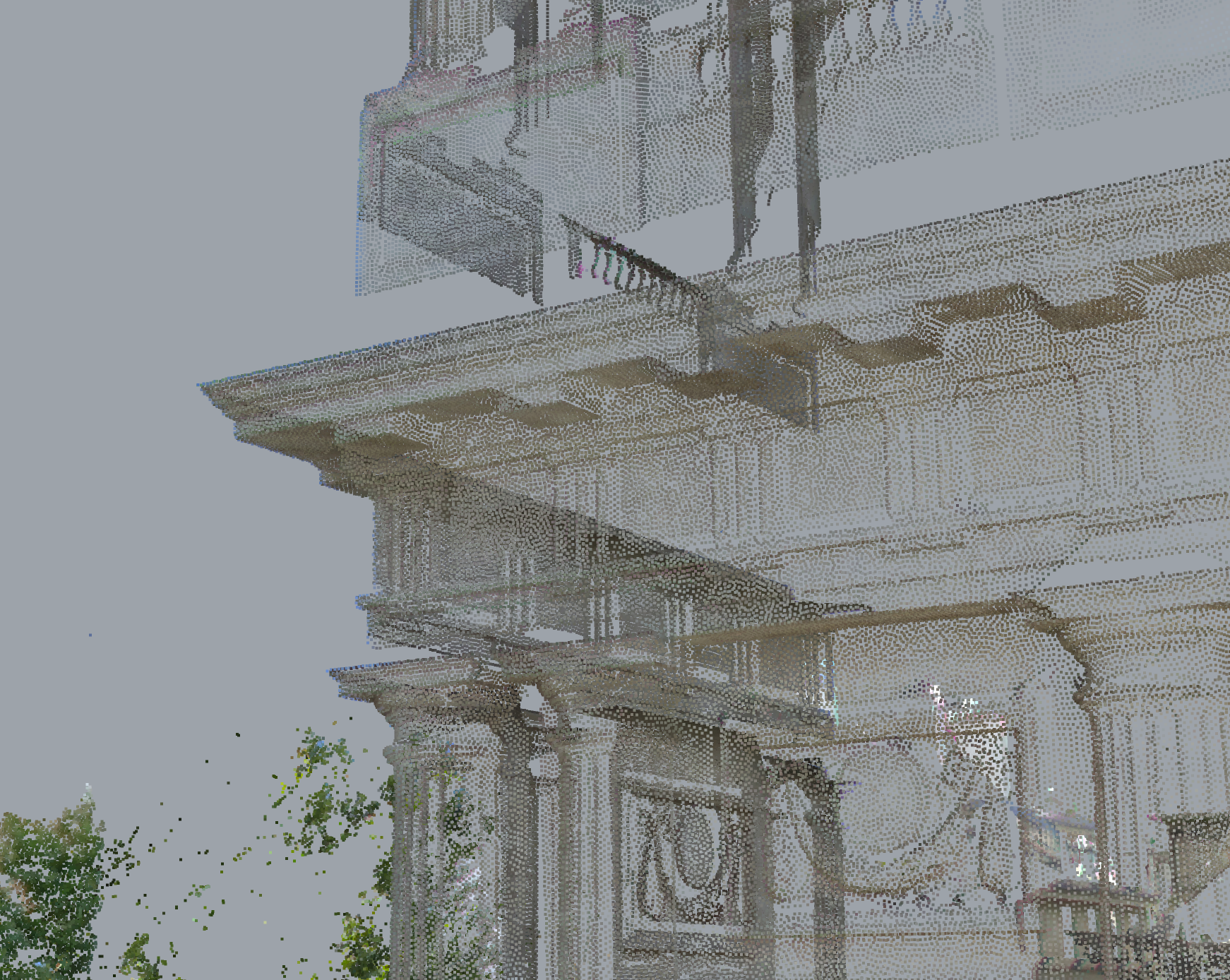
5mm Point spread. Very high level of detail but slow to operate.


50mm Point spread. Retains high level of detail with low file size.


Moderate Detail

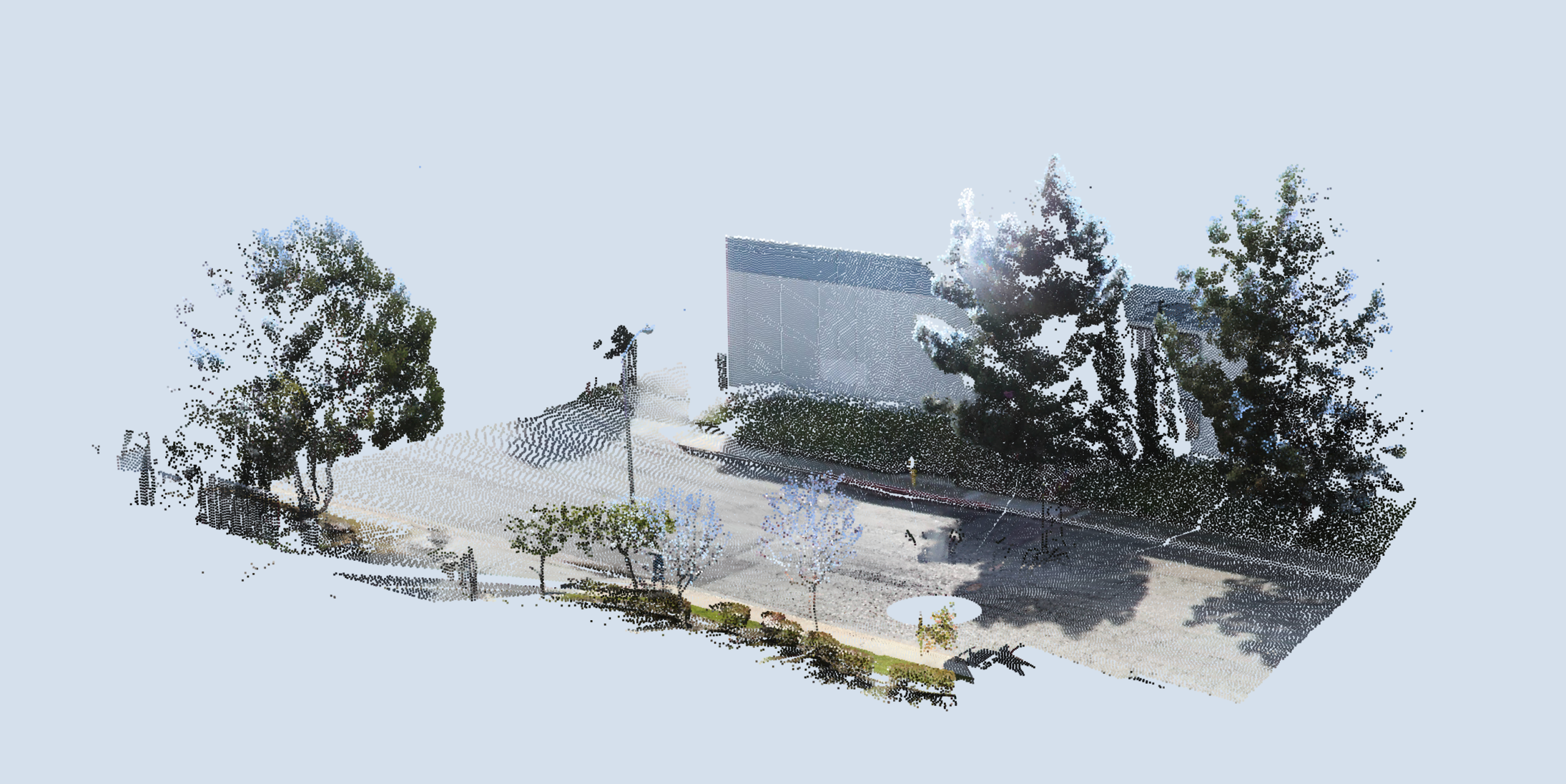
Larger areas such as civil works or basic massing can be sampled at a lower density. A 100-200mm point spread will capture a lot of details whilst keeping the file size light.

However, it is still crucial to consider key details such as kerbs, drains and other elements which may not be captured corrected with a higher point spread.
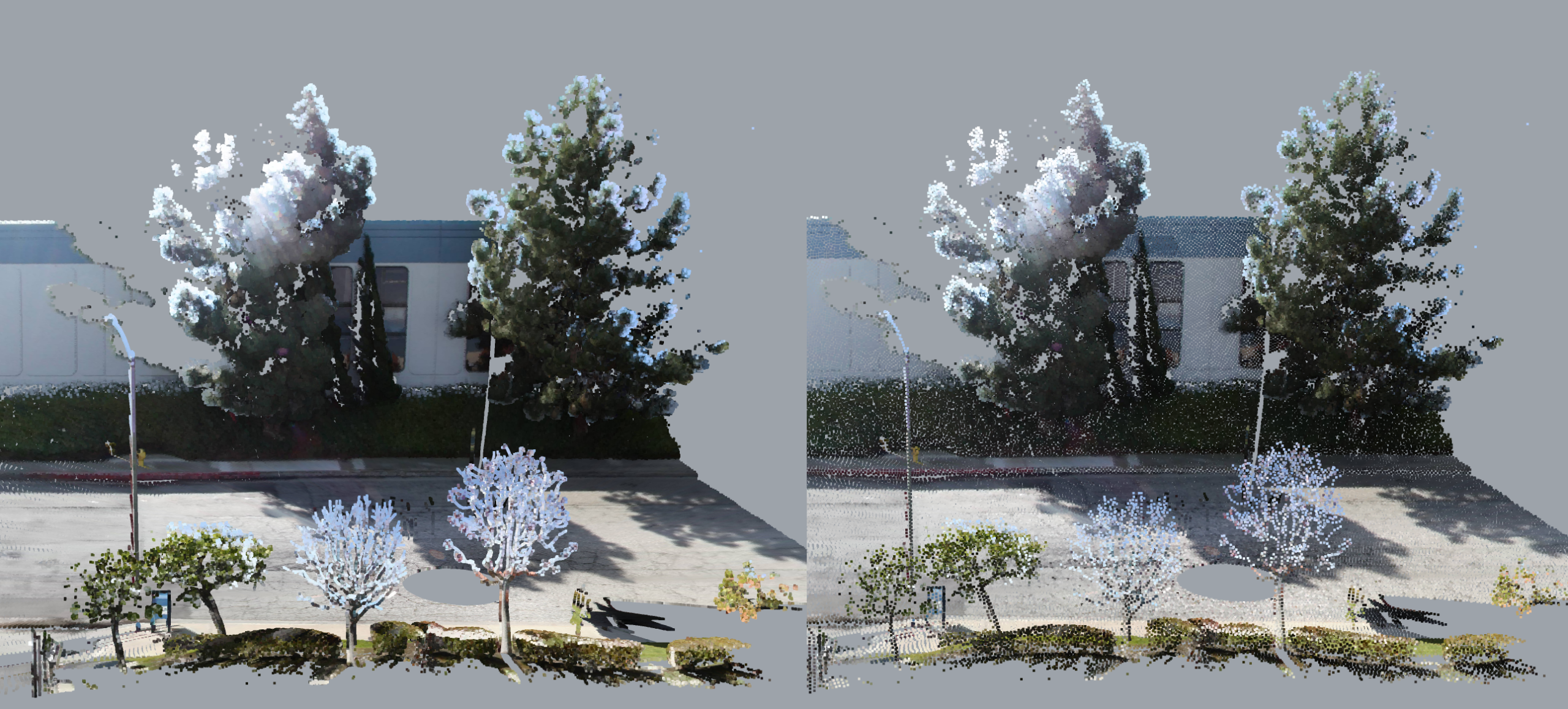
Left: 25mm point spread. Right: 100mm point spread.


Low Detail
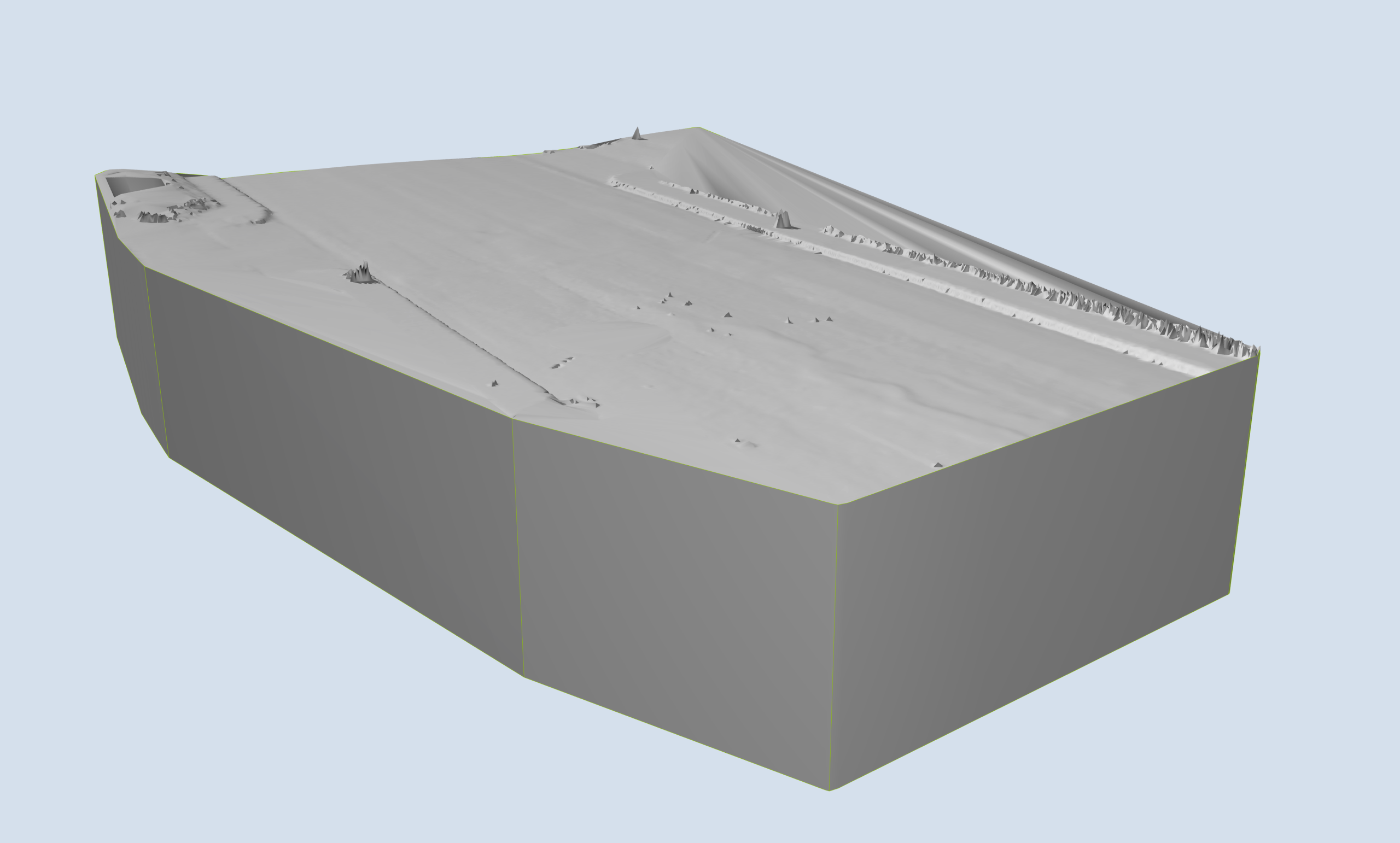
Large terrain and topographic works to be sampled at 500 – 1000mm point spread. Specific areas of interest such as exposed services might require higher density scanning.Example: Point spacing difference between detailed facades and roads. Sample images of bothEarly communication of your survey requirements will assist in avoiding unruly files and future reworks. 
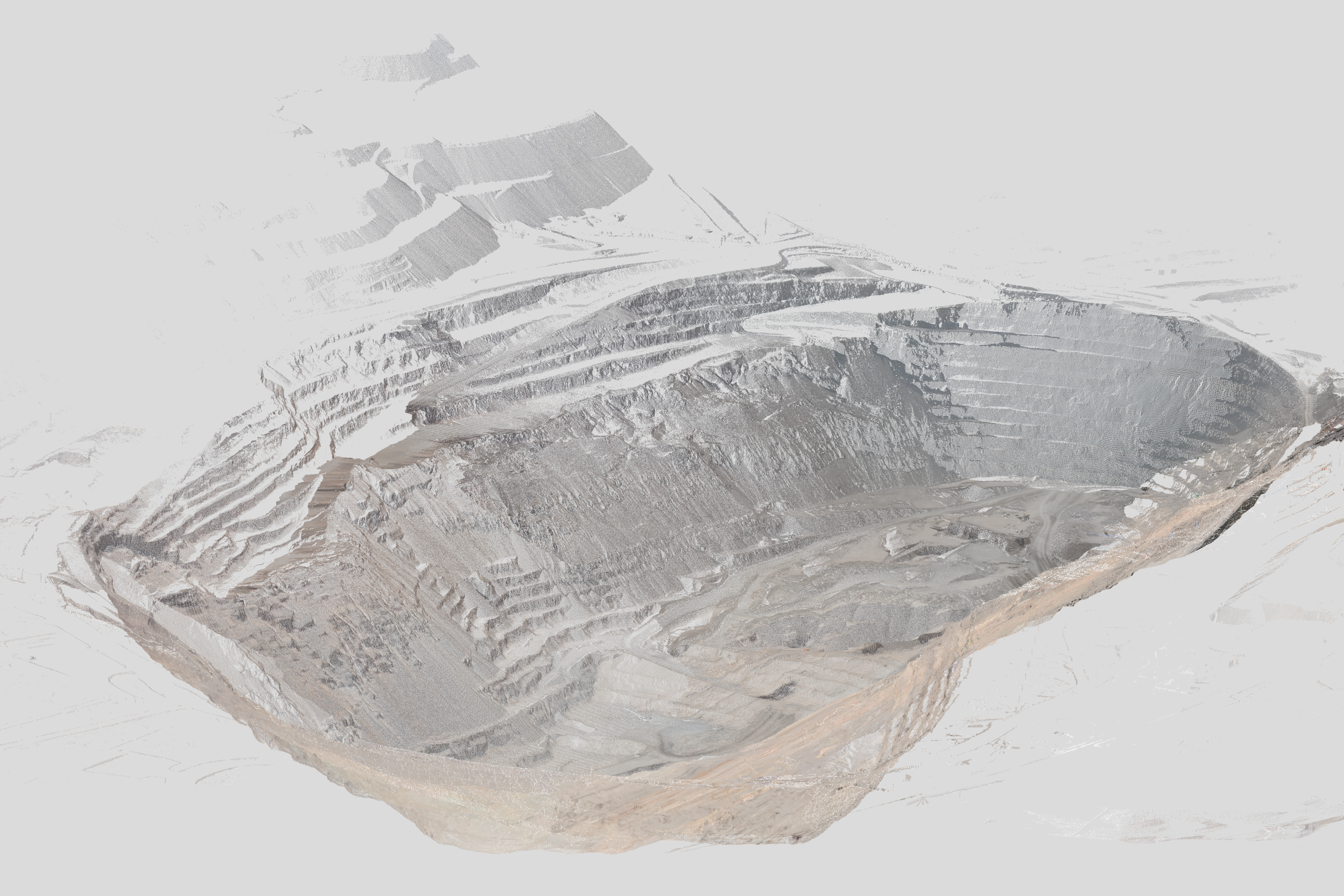
500mm Point Spread. Over a larger scale, key information is still captured.


TIP > Each point will roughly add about 20-50 bytes to the file size. Using this, you are able to estimate how many points are included in the file.
File to Function

Once you have received your point cloud file, we strongly recommend testing the file(s) in a blank ArchiCAD file prior to importing into your active project. 

This will reveal if the file will perform adequately as well as avoiding damaging your active project file. 

Importing to ArchiCAD

When importing into your ArchiCAD file, there are two main options: import as a pointcloud reference object OR import as a mesh from the points. Only .XYZ / .TXT files will be available to be imported as a mesh. 

Import Process

This method is most suitable when you are using the pointcloud as a reference only. This may be appropriate when you are needing measurements or if you are planning to construct a native model from the information. 

  1. Open a new blank ArchiCAD file from a suitable template.
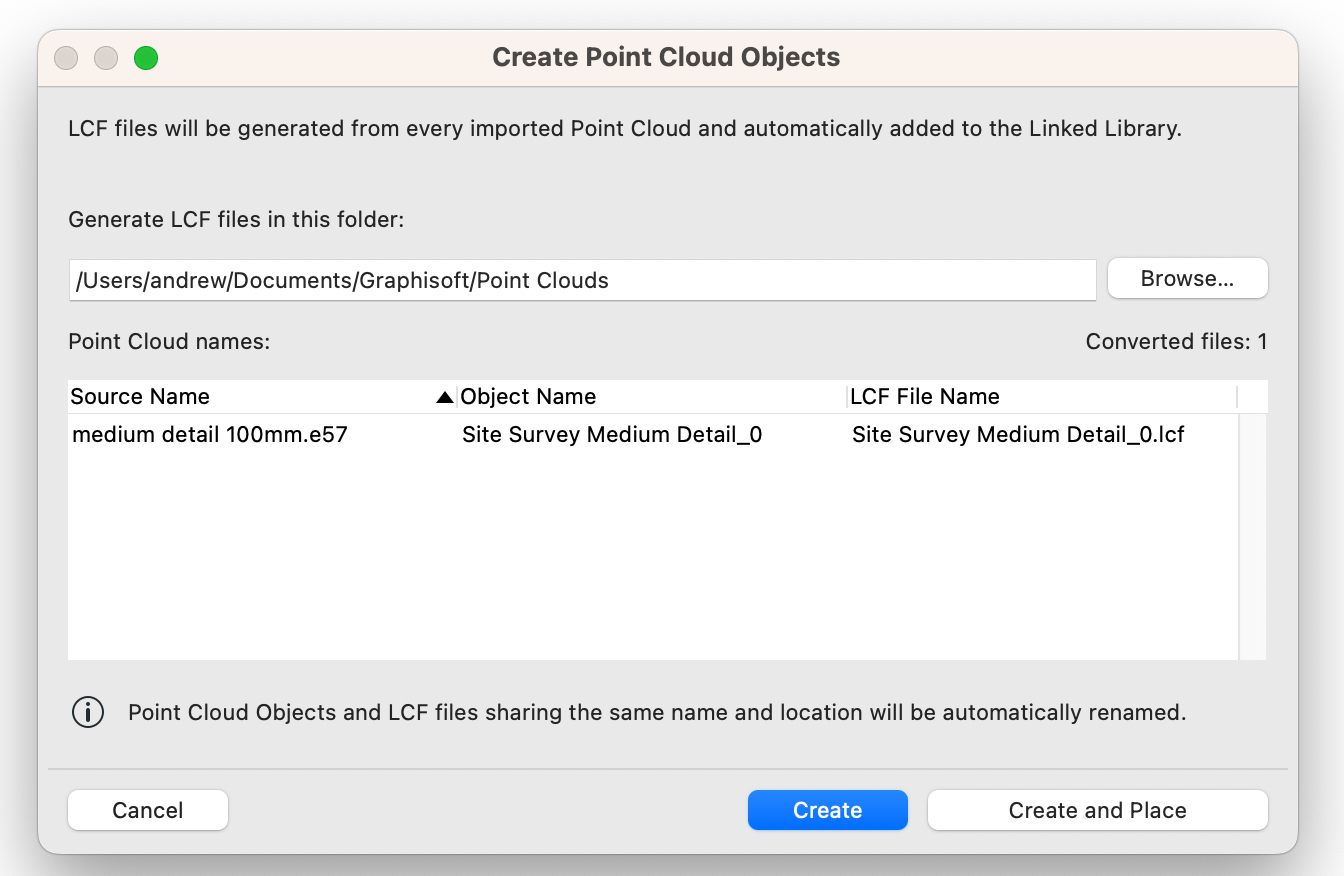
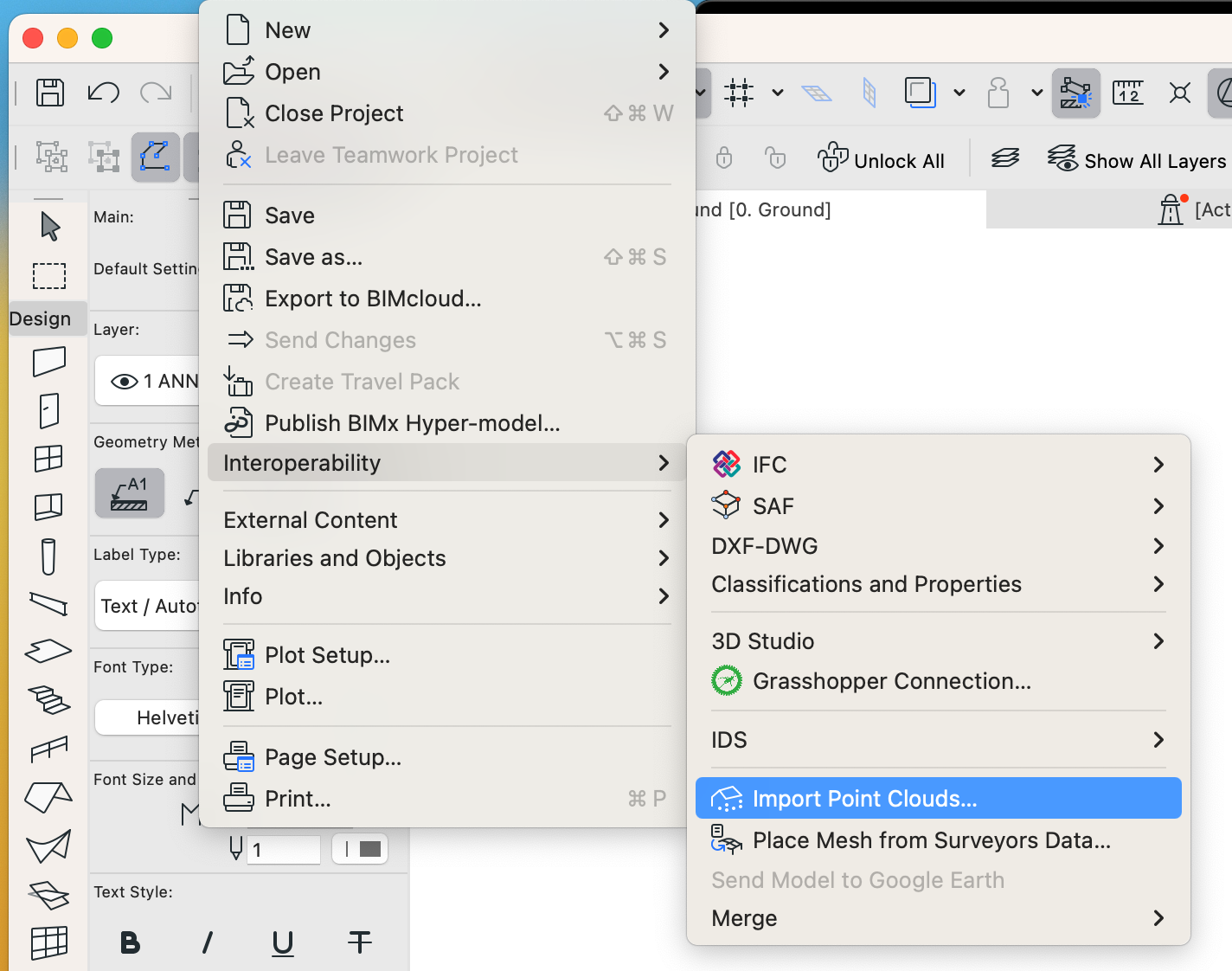
  2. Import the Pointcloud via File > Interoperability > Import Point Clouds… 
  3. Check that the resulting object is of suitable point density and performs smoothly.
  4. Once you verify that the file is suitable, you can repeat the process to import the point cloud again into your active project.

Import as mesh

This method is useful when importing reference geometry that will be used in the model. Some examples include, car ramps, civil works context and terrain. 

  1. Open a new blank ArchiCAD file from a suitable template.
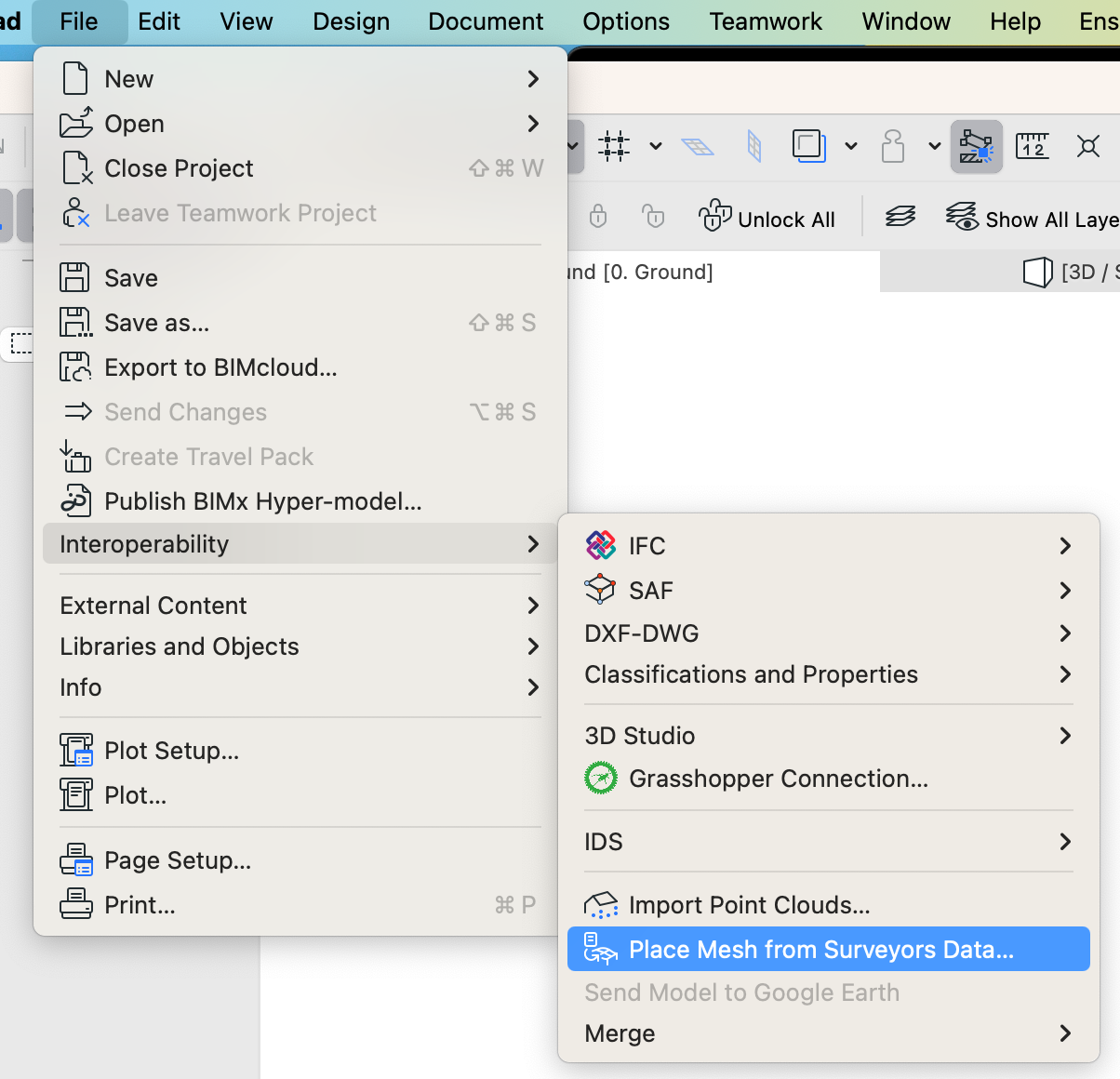
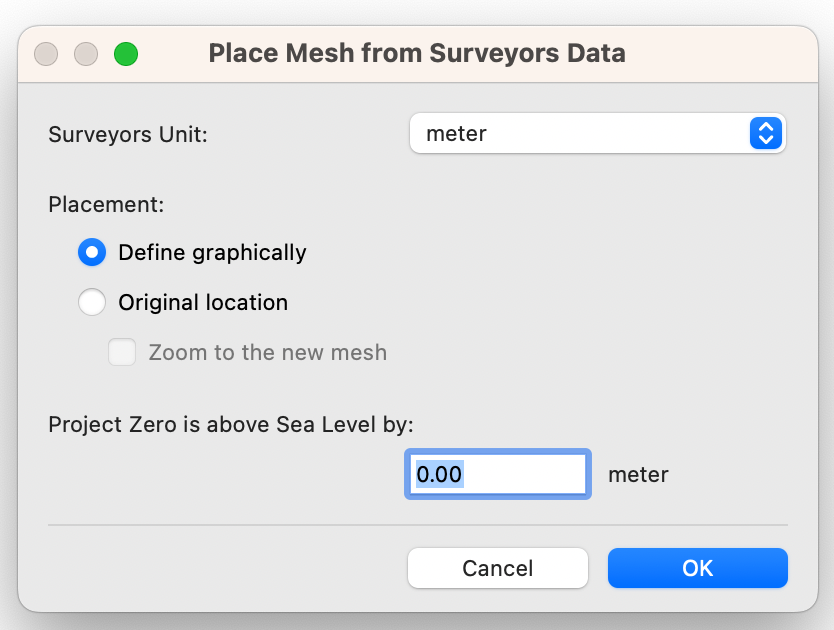
  2. Generate the mesh via File > Interoperability > Place Mesh from Surveyors Data…
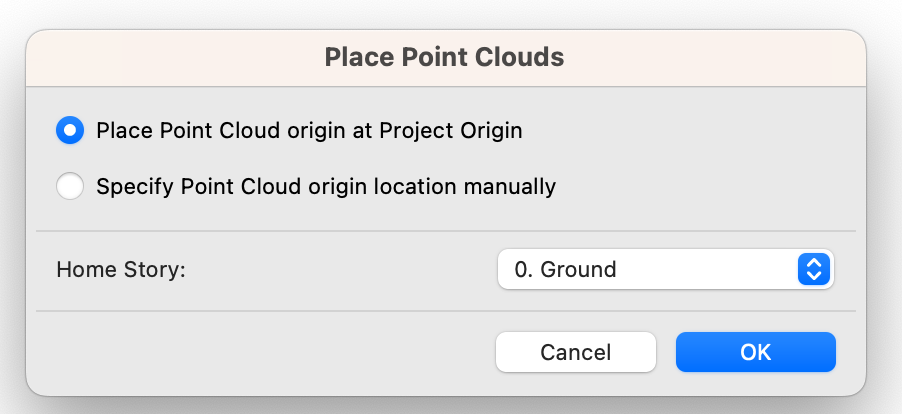
  3. Follow the on screen prompts below.
  4. Verify the model is accurate in 2D and 3D.
  5. Repeat above steps for your active project file. 

In relation to the method above, there are a number of hidden limitations often resulting in errors which makes this less reliable than importing the file as an object. This only applies to the mesh generation and not importing as an object.

Some potential pitfalls have been listed below.

Due to the fact that pointcloud file formats are not strictly controlled, different programs will include varying levels of data which may not be accepted by ArchiCAD. With the increasing trend of pointclouds utilising LiDAR / Photogrammetry, this method of importing has become unreliable.

The method is particularly strict on the type and format of information within the pointcloud file as a result, errors could stem from a number of factors including: 

  1. Inclusion of extra data columns i.e. scalar fields, RGB color values, point indexes.
  2. Column formatting issues. ArchiCAD will strictly accept only X Y Z coordinate values in the first three columns. 
  3. Multiple points with the same Z-coordinate. ArchiCAD needs to triangulate coordinates to create a mesh. Multiple points sharing the same Z value will cause overlapping triangles and often result in errors.
  4. Any text lines such as header rows.
  5. Incorrect delimiters.
  6. Scientific notations.
  7. Comma points instead of point. e.g 25,100 instead of 25.100.
  8. Coordinates too far from origin.


With all of the above in mind, we recommend limiting pointcloud file imports as references only and modelling meshes manually. 

File Optimisation

Sometimes, the quality and scope of the survey data is out of the recipient’s control. This may be due to various reasons such as the file being produced prior to your own engagement or if you are trying to access a public resource with a broader scope. Whatever the reason, it may be necessary to be able to edit or optimise the file.

We suggest using CloudCompare, a free open source program that can process and optimise complex point cloud files.

This is a powerful software which allows for high levels of control over pointcloud files. 

If you would like to learn more about how to optimise pointcloud files directly, please see our guide here.

Andrew Kim

14 January 2026

macinteract Pty. Ltd.    |    ABN 44 155 154 653    |    terms and legal.   |   © 2025